Thank you for participating in our study! Before getting started, you’ll need to follow the onscreen instructions to set up head cameras for you and your child and a tablet camera
Portable TIPS setup instructions
- Welcome
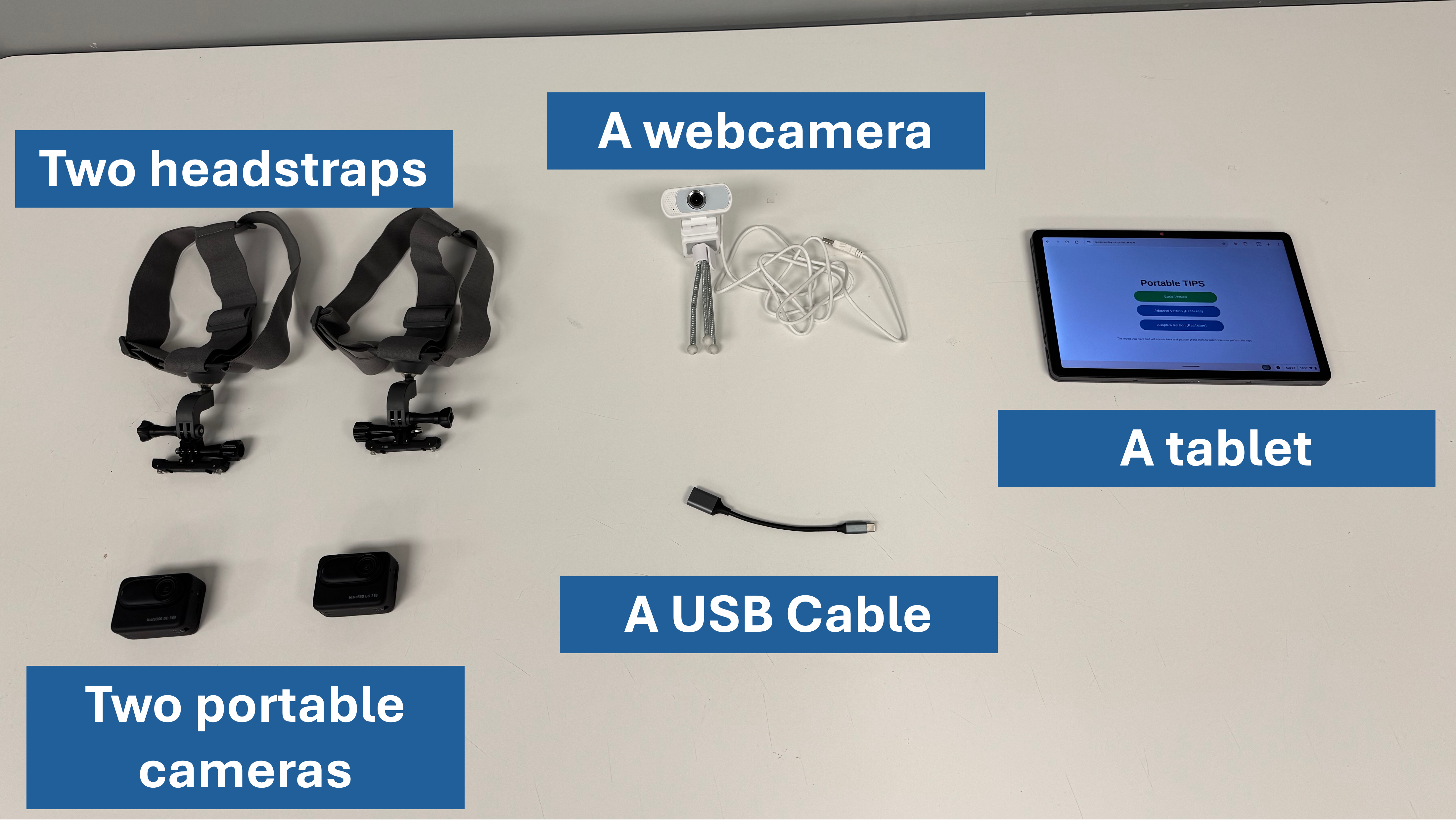
Before beginning, make sure you have the following items:
⚠️Please make sure your portable cameras and tablet are charged and your webcamera is unplugged before you start
Portable TIPS setup instructions
- Head cameras
How to set up the head cameras
Portable TIPS setup instructions
- Head cameras
Make sure you see a flashing red light on the camera (like in the video below):
The camera case should be blinking red
There should be a recording time on the case
Portable TIPS setup instructions
- Head cameras
Great job setting up the head cameras!
You can put the camera cases off to the side. You won't need it again until the end of the session.
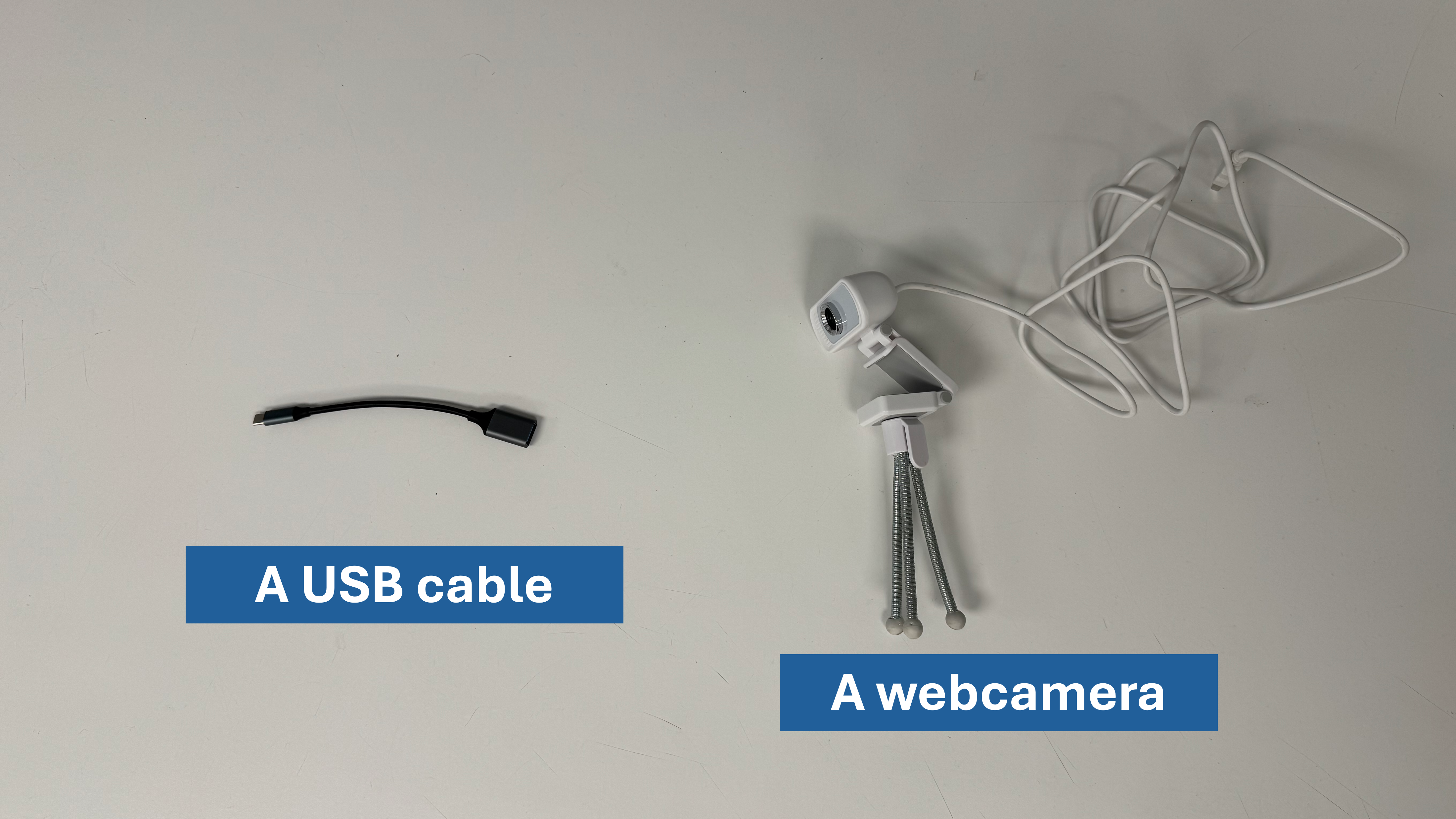
One last step. Before beginning, make sure you have the following items: